







Bid management software
Take the pain out of vendor RFPs
Prism’s Bid Management makes it easy to collect more bids, evaluate them side by side and choose the best option based on price and performance.

A better way to handle vendor bids
Managing vendor bids shouldn’t take hours of emails, spreadsheets and follow-ups. Prism brings your entire RFP process into one place, making it easy to find vendors, send requests and compare bids.
With standardized scoring and clear visibility into every response, your team can choose the right vendor faster, drive better pricing and spend less time on manual work.
Built for faster, smarter vendor selection

Create RFPs faster

Review bids side by side

Get more competitive pricing

Vendor selection
Make confident decisions at every step of the vendor bid process
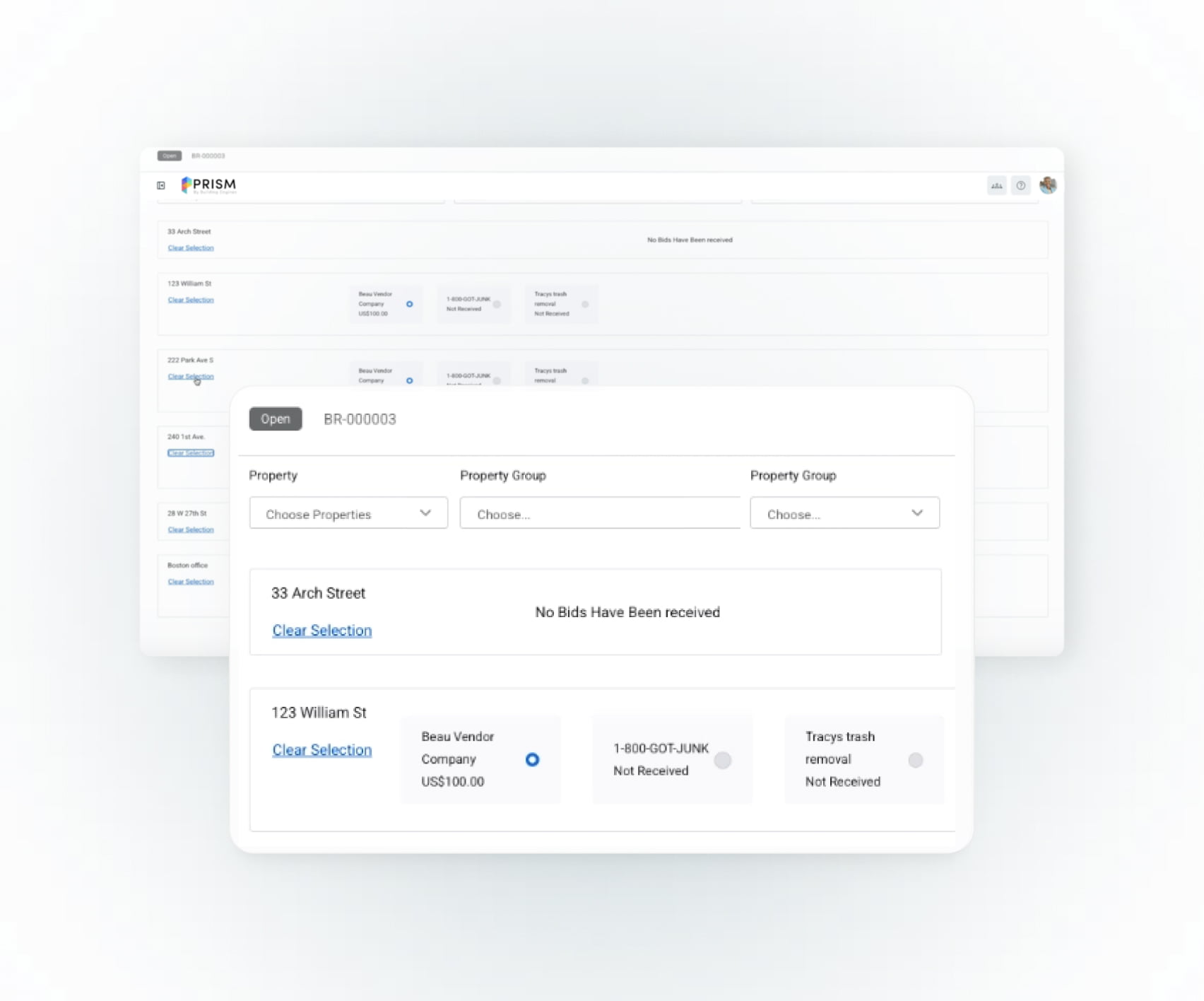
Choose the right vendors, faster

Get more qualified bids
Flexible, multi-property bids make it easier for more vendors to participate, helping you increase response rates without extra effort.

Keep vendors informed
Automatically notify vendors when bids are accepted or declined, and instantly turn approved bids into work orders to keep work moving without delays.
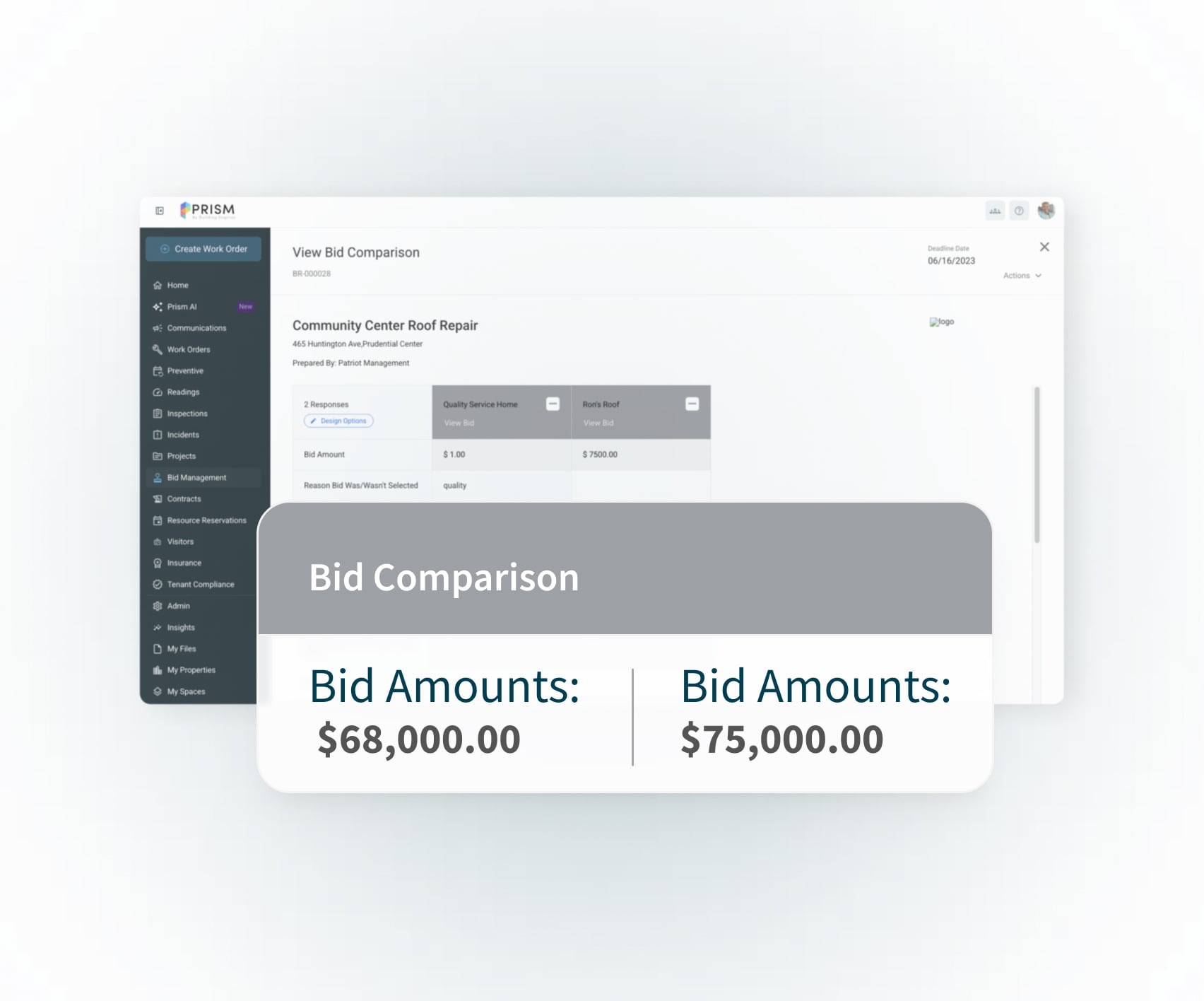
Keep vendor quality high and compare bids with confidence

Set clear standards
Use templates, required documentation and compliance checks to ensure every vendor meets your expectations before work begins.

Compare bids and support diversity
Collect consistent responses to easily compare bids side by side, while identifying and including woman- and minority-owned vendors in your selection process.
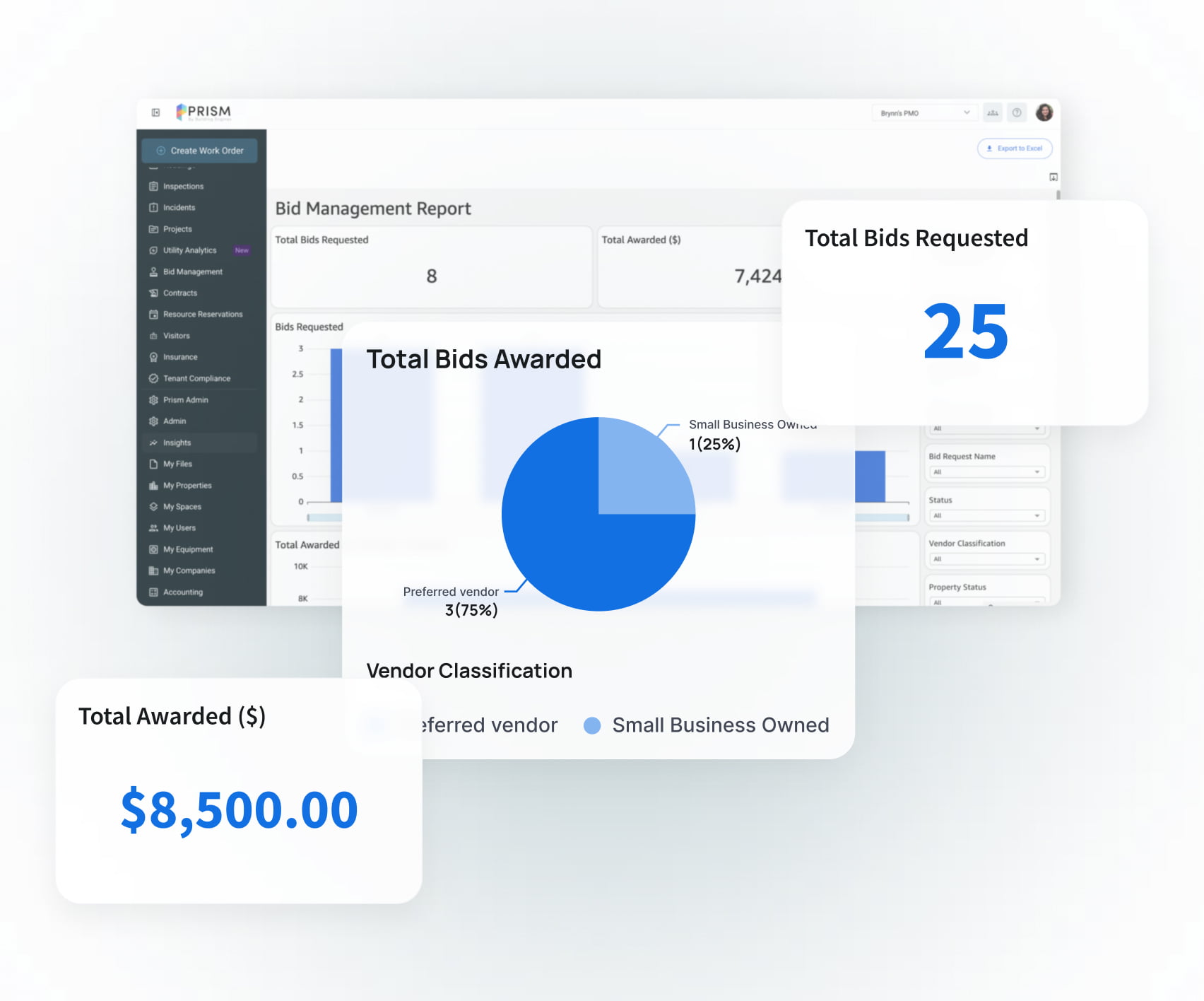
Build a stronger, more reliable vendor network

Make data-driven vendor decisions
Use performance reports and analytics to spot trends, compare vendors and find new opportunities to save.

Build stronger relationships
Track interactions, access historical data and keep vendors engaged with flexible bidding and clear communication.

Frequently asked questions
What is Prism Bid Management?
Prism Bid Management helps property teams manage RFPs, collect bids and compare vendors in one place, making it easier to choose the right partner for every project.
How does Prism make the RFP process easier?
Prism replaces emails and spreadsheets with a single workflow. You can send requests, collect responses and compare bids side by side without all the manual follow-up.
Can I use templates for RFPs, RFQs, and RFIs?
Yes. Prism includes 50+ ready-made templates and you can create your own to keep every bid consistent and save time.
How do I compare bids in Prism?
Prism standardizes vendor responses so you can review bids side by side with clear scoring, making it easier to choose based on price and performance.
Can vendors choose which properties to bid on?
Yes. Flexible, multi-property bids let vendors select the opportunities that fit, helping you increase response rates and get more competitive bids.
What happens after I select a winning bid?
Once a bid is approved, you can generate a work order directly from the proposal, helping your team move quickly from decision to project kickoff.
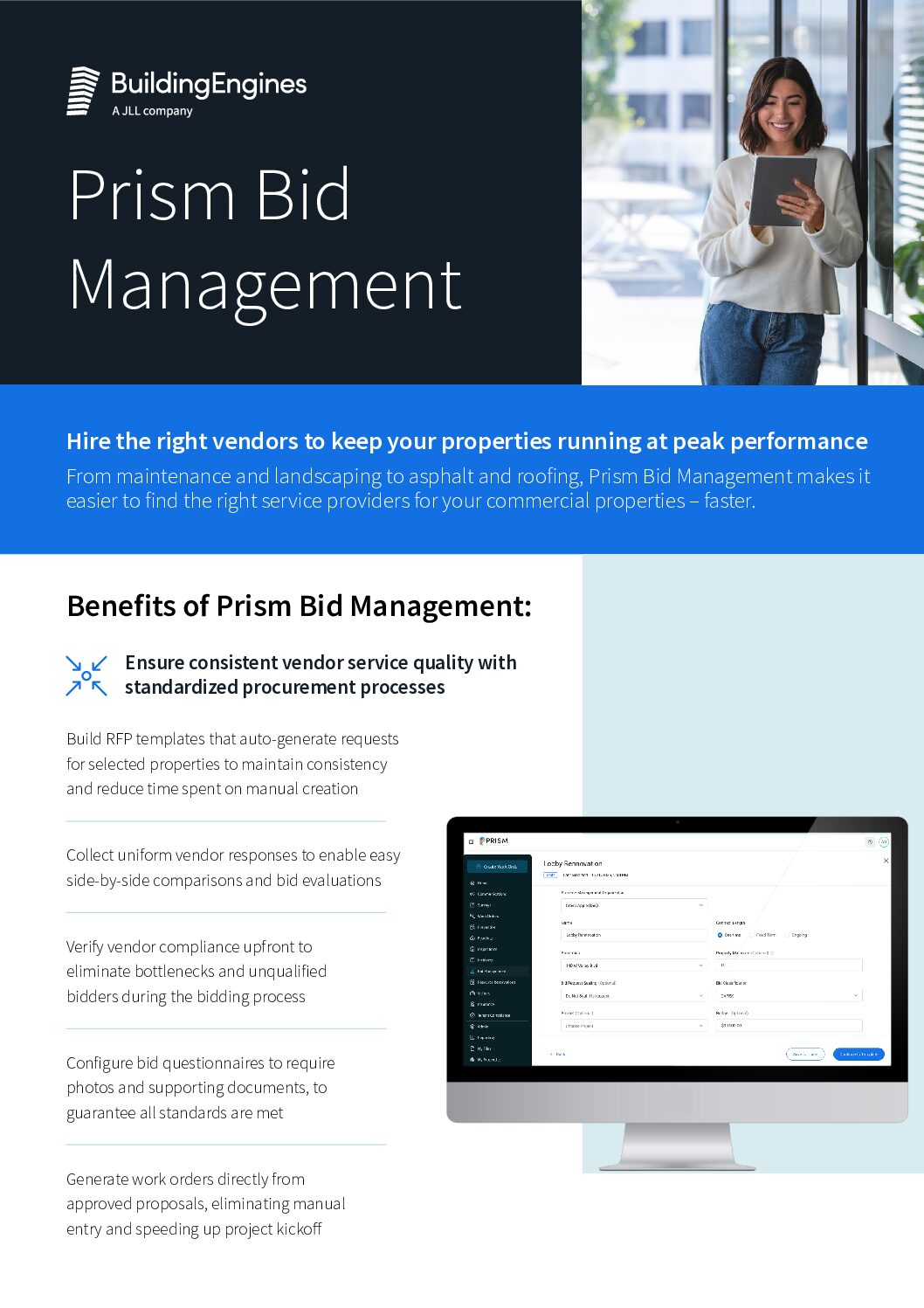



Take a closer look at bid management
Discover how Prism helps you collect better bids, compare vendors and move projects forward faster. Schedule a demo to see it work for your team.