






Building communications
Simple, effective communication for every building
Prism’s tenant communication tools help property teams reach everyone quickly and keep tenants informed. Share updates in seconds, send urgent alerts when needed and manage it all from one simple dashboard.

Connect with tenants on their terms
Prism’s building communications help property teams keep everyone informed without adding extra work. From routine updates to urgent alerts, teams can quickly reach tenants across their buildings. Built-in AI helps review tenant facing comments within tasks to flag potentially inappropriate language, ensuring every tenant communication stays clear and professional.
By bringing tenant communication into the Prism platform, property teams can deliver a more consistent and responsive building experience. Instead of juggling emails, calls and disconnected tools, teams manage updates, audiences and message history in one place.
Communication that drives tenant satisfaction

Reach tenants instantly

Target the right audience

Send urgent alerts when it matters most

Track every message
The communication hub for property teams
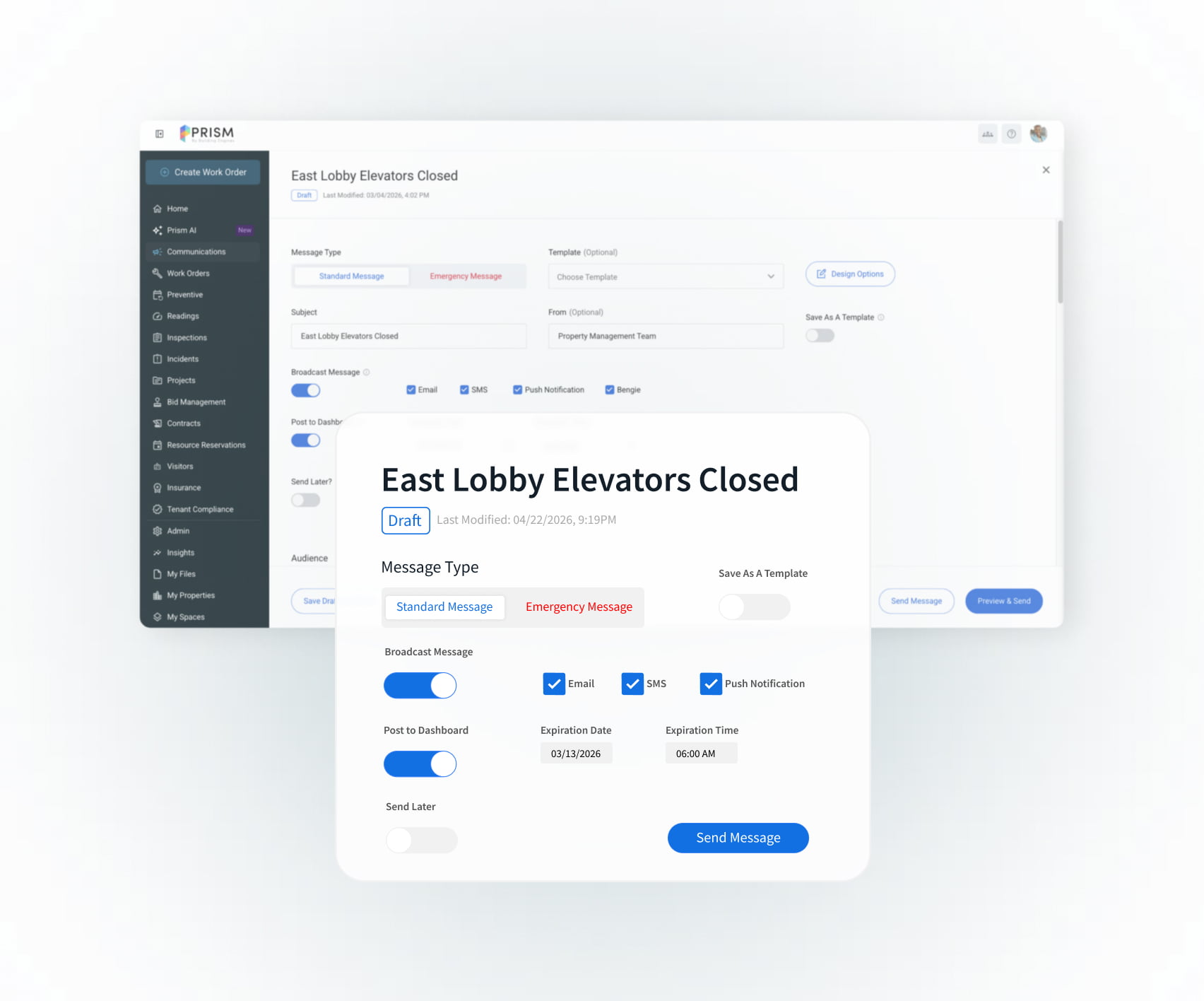
Flexible communication for every tenant

Easy-to-create messages
Build polished updates fast—just click, add images and send.

Reliable message delivery
Tenants and staff can update their own contact details, so you can feel confident you’re reaching the right people.
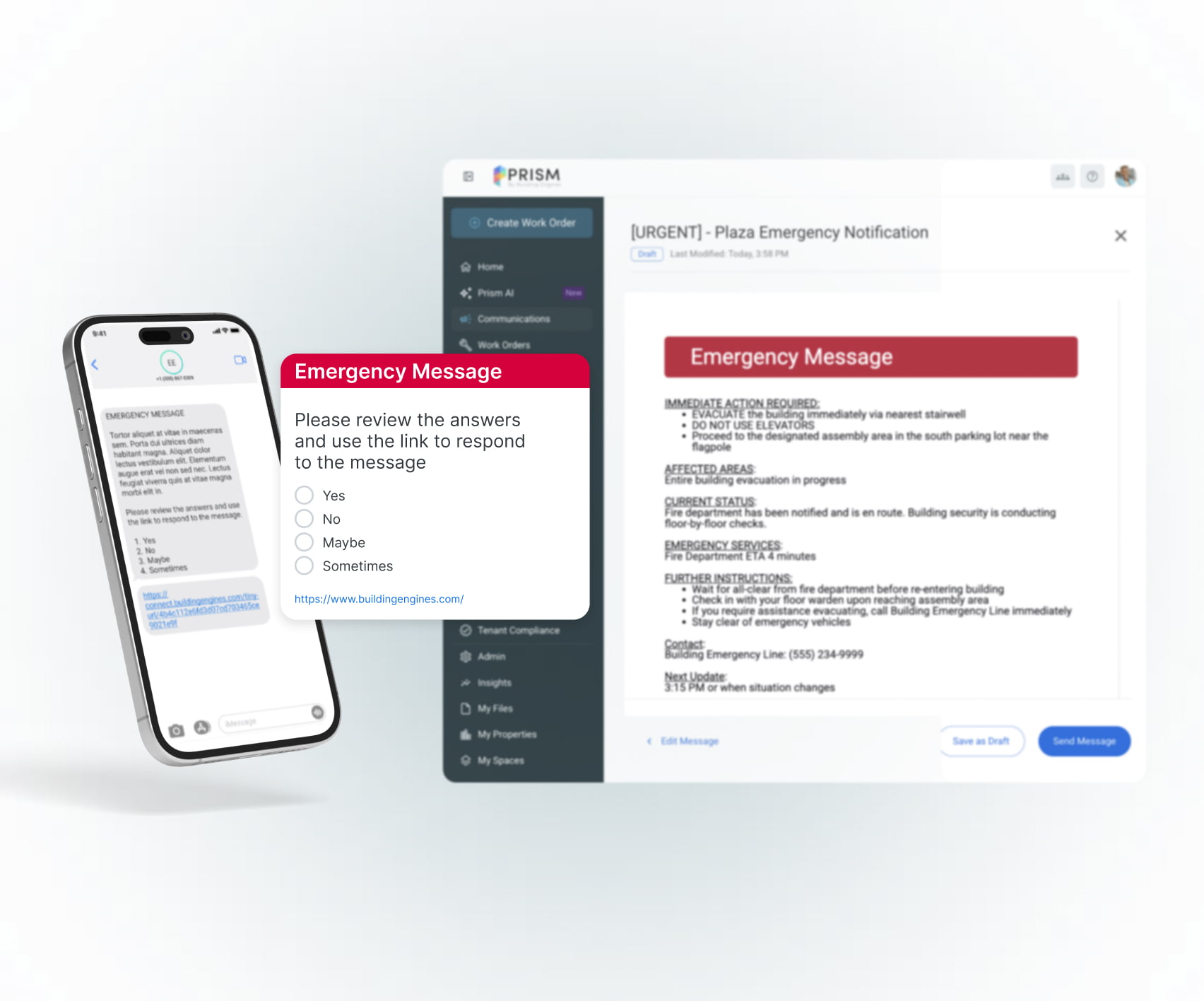
Keep tenants safe and informed

Building-wide emergency alerts
Send urgent messages to everyone in your building during fire drills, evacuations or emergencies.
Real-time safety insights
Boost safety with real-time tenant feedback to quickly identify who needs help and prioritize your response.
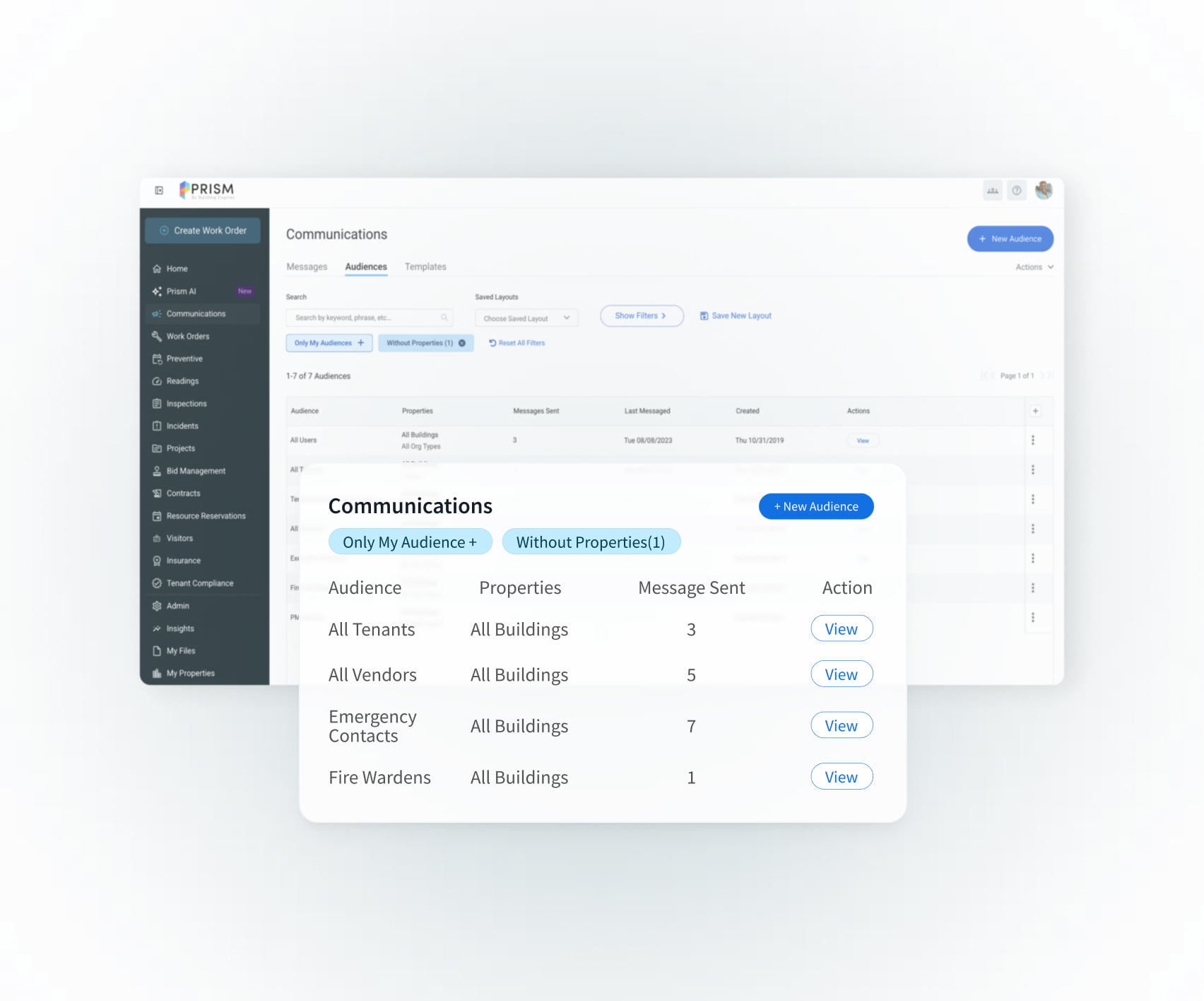
Reach the right audience with every message

Targeted customer groups
Tailor contact groups by company, role, floor or organization to ensure every message reaches the right audience.

Organized messages
Track and manage every building communication in one place with a complete, searchable history.

Frequently asked questions
Can tenants choose how they receive communications?
Yes. Tenants and staff can update their contact information and choose their preferred communication channels, ensuring they receive messages in the way that works best for them.
Is it easy to create and send messages?
Absolutely. Prism offers a simple message creation tool that lets you build polished messages quickly, add images with drag-and-drop and save drafts for future use.
Can I target specific groups with my messages?
Yes. You can create custom audience groups using predefined options or build your own based on specific attributes, so you always reach the right people.
How do I track communications history?
Prism provides a single dashboard where you can see your complete history of messages sent, making it easy to reference past communications and stay organized.
Can I customize who receives emergency alerts?
Yes. You can target all occupants or select specific groups to ensure that urgent messages reach everyone who needs to be informed.
Will I know if people receive my emergency alert?
Prism provides real-time feedback, so you can see which occupants have received and responded to your emergency messages, helping you quickly identify anyone who may need extra attention.
Can I send emergency alerts from any device?
Yes. Prism’s web-based platform allows you to send emergency notifications from your computer or mobile device, ensuring you can act fast—no matter where you are.
Can I add images or attachments to my messages?
Yes. You can easily drag and drop images into your messages to make your communications more engaging and professional.
Can I save message drafts for future use?
Absolutely. Prism allows you to save drafts and repurpose previously used messages, so you don’t have to start from scratch every time.
How fast can I send an update to all tenants?
With Prism’s intuitive interface, you can select your audience and distribute updates to everyone in seconds.
How does AI help review tenant facing comments on tasks?
Prism uses AI to review outgoing tenant messages and flag potentially inappropriate or unprofessional language. This gives property teams a chance to review and adjust messages before they are sent.
Does AI automatically block messages from being sent?
No. The AI flags potential issues and alerts the sender, but property teams stay in control. You can review the message and decide whether to edit or send it.
What types of content does the AI flag?
The AI looks for language that could be considered inappropriate, offensive or unprofessional in tenant-facing communications.
Will this slow down sending urgent messages?
No. AI checks happen automatically and quickly, so teams can still send important updates without delays.
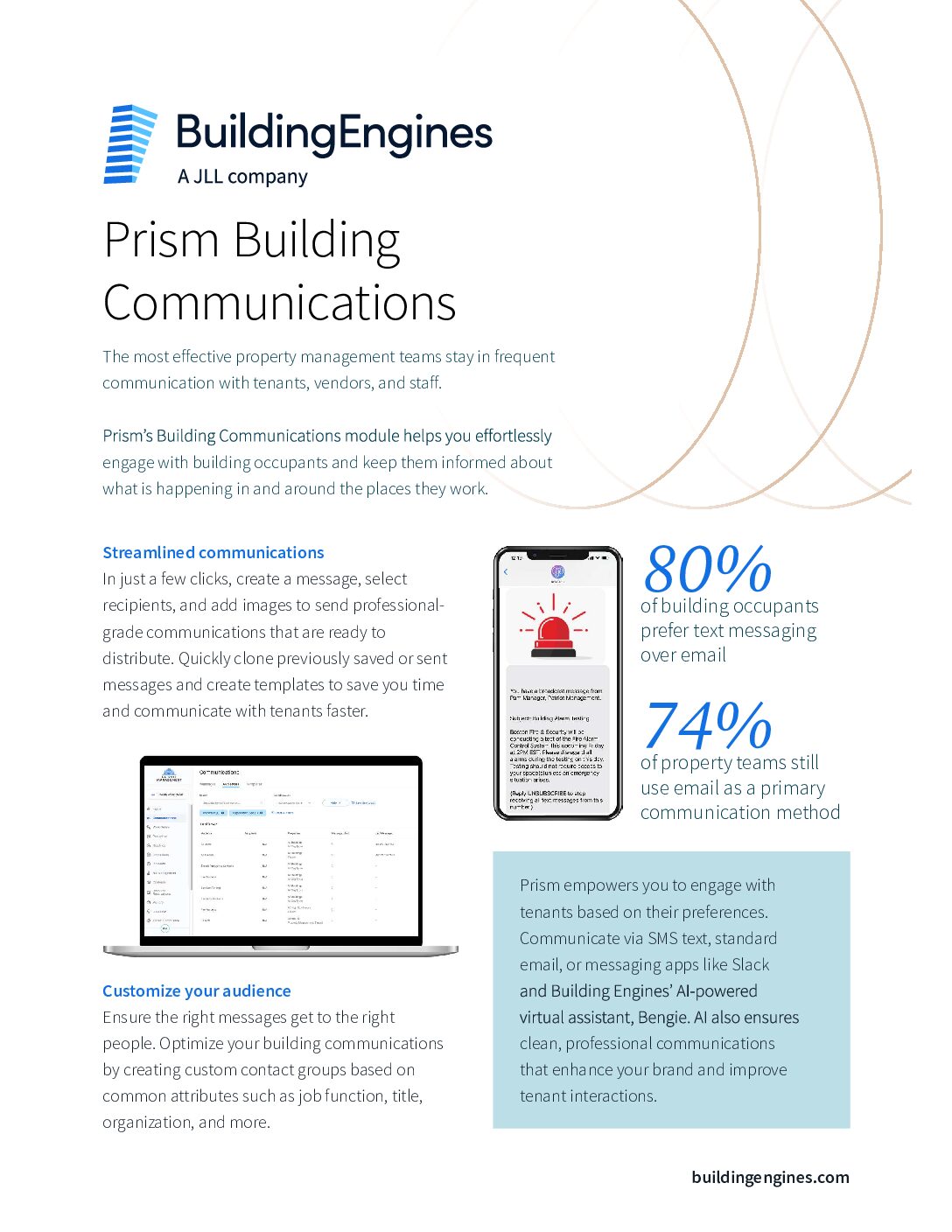



Experience better building communication
Ready to simplify building updates and keep everyone connected? Take a quick demo and discover how easy it is to reach tenants, vendors and staff—anytime, on any channel.